

Distort an object by dragging the edges.
-
Select a contour
-
Activate the Taper Distort command
-
Click on a selection handle and drag to the desired position
-
Press Enter to accept the change
-
Right click to exit the tool
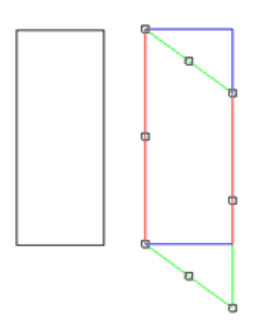
Distort an object by dragging the edges.
Select a contour
Activate the Taper Distort command
Click on a selection handle and drag to the desired position
Press Enter to accept the change
Right click to exit the tool