
Several EnRoute tools can create mesh objects. The tools below can all create mesh objects.
A set of common controls is used for each of the tools to control the mesh creation.
Primitives

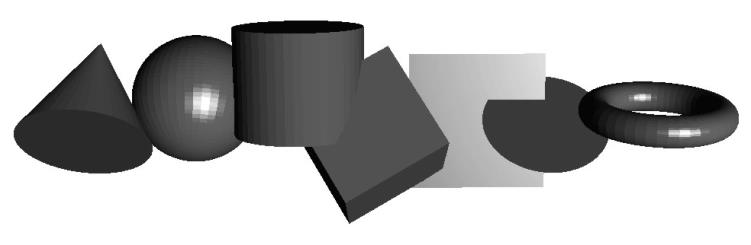
Create basic 3D shapes automatically. These elements can be used to create more complex shapes or be used directly.
Primitives Dialogue
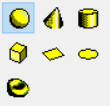
When the primitives command is activated, a dialogue window will appear. The first option allows the type of primitive to be selceted.
The remaining parameters adjust the dimensions and surfaces of the primitive.
| X, Y, Z | Coordinates for the location of the center of the primitive |
| Slices | Number of sections either around the circumference of the object or along one axis |
| Stacks | Number of sections along one axis, typically the z-axis, of the object |
| Radius | Half the diameter of a circular dimension of the object |
| Height | Z dimension of the object |
| Size | The dimension along one axis of the object, such as ‘X Size’ |
| Sweep Angle | For the Torus object, this is the number of degrees of the sweep of the object around the ‘outer’ radius |
| Close top or Close Bottom | Define if Cylinders, Cones and Boxes should have surfaces that cover their tops and bottoms |